Work at the till
waits18 min
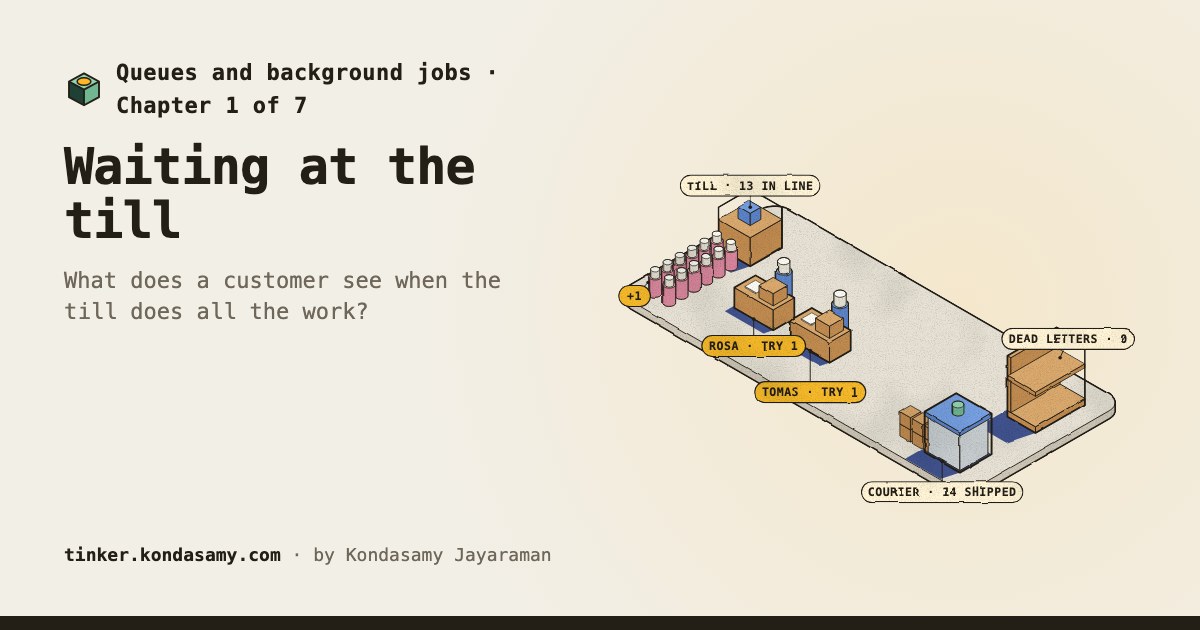
The page spins while the till does every order ahead of it.
Module 33 · Queues and background jobs
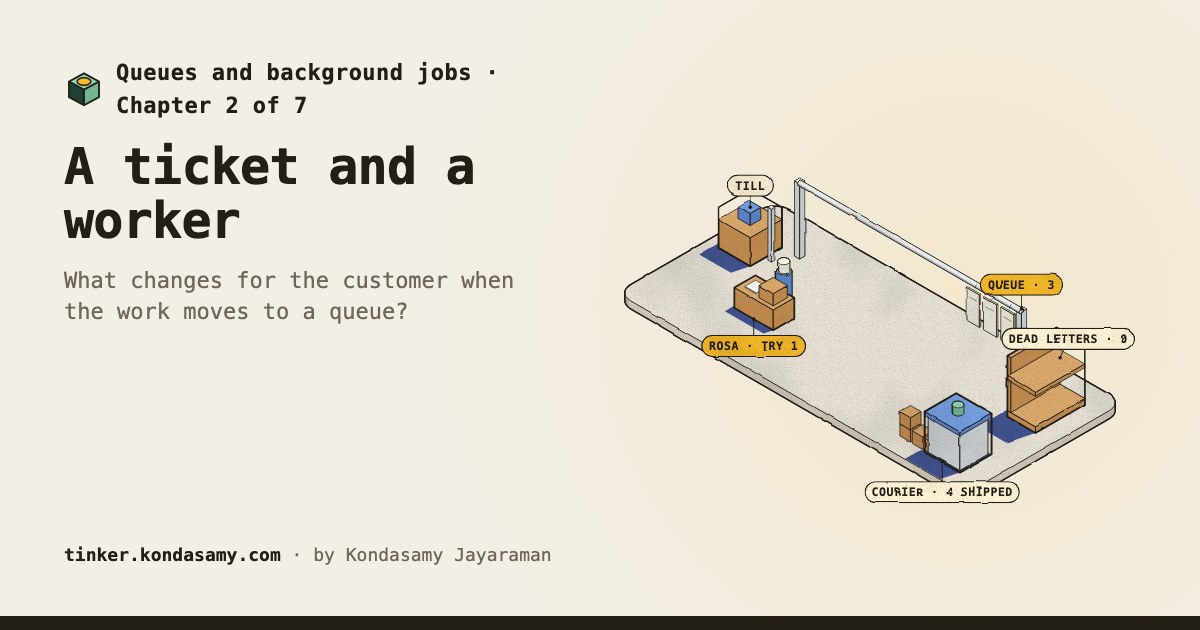
When you press Buy, the page answers at once, but the parcel is packed later, by a worker taking jobs off a queue. Here you run Larkspur’s sale through a ticket rail, knock a worker over mid-job, and set up the sale day.
The whole idea in one example
18 min
The page spins while the till does every order ahead of it.
0 min
The page answers at once. A worker packs the order later.
Waits come from a simulated sale: Larkspur’s own orders and planning-number job times, slowed so you can watch.
How it works
The till answers; a worker does the slow part
Amazon SQS’s guide says a received message stays in the queue, hidden from other consumers for a visibility timeout (30 seconds by default); if it is not deleted in time, it becomes visible again.
Source, checked 25 October 2026
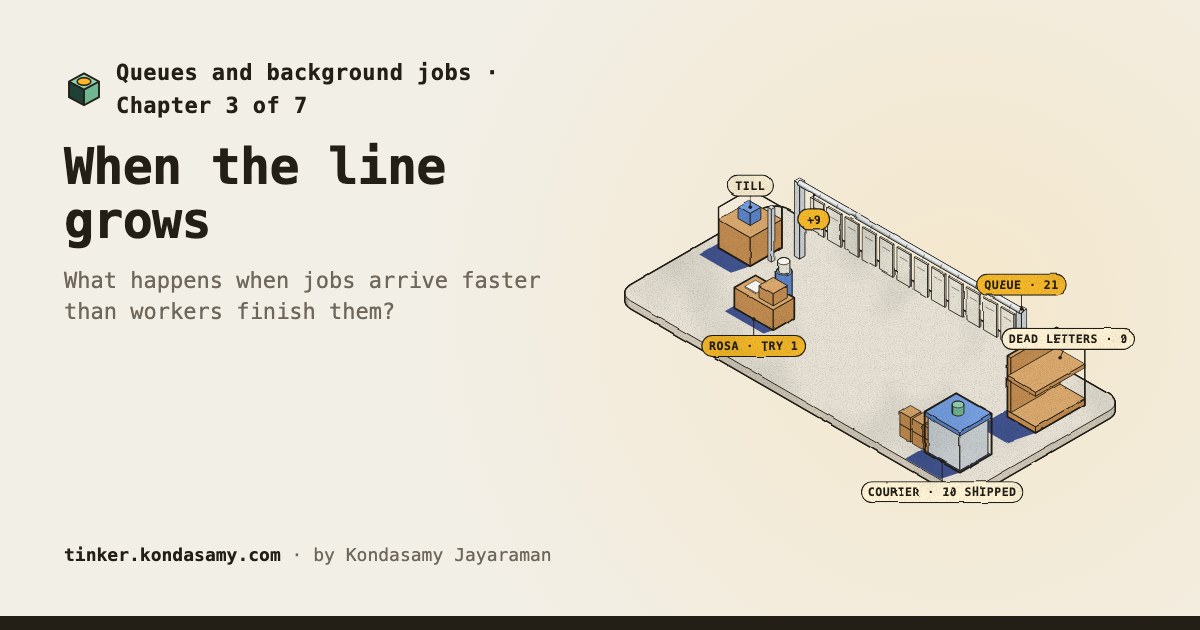
More orders arrive than one worker finishes
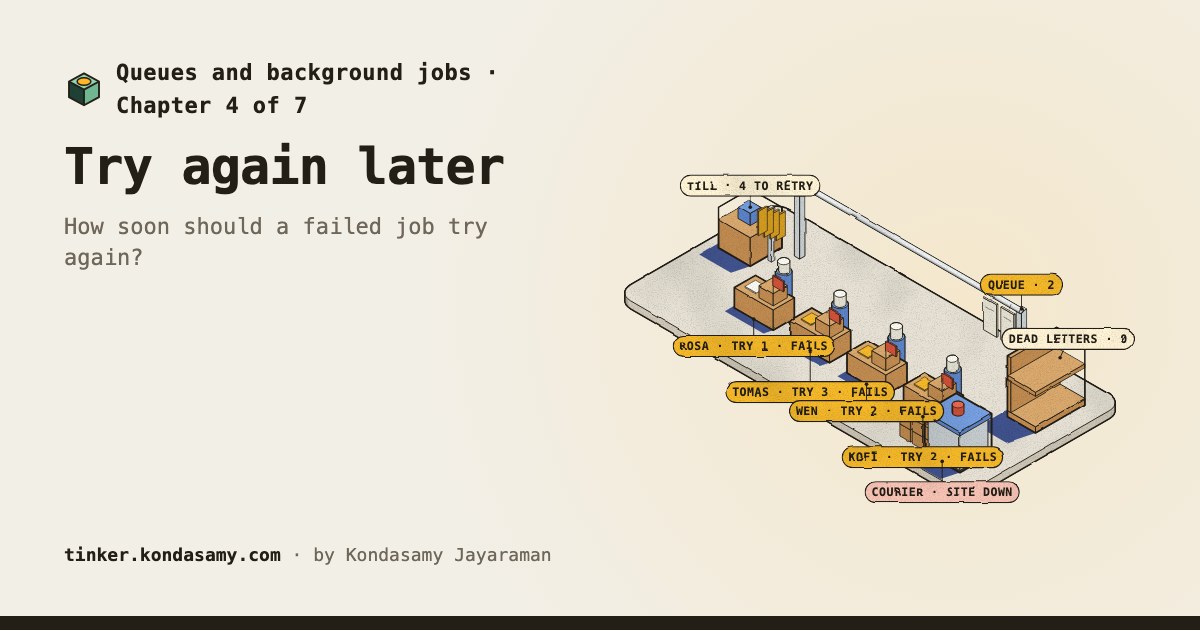
Backoff and jitter ride out an outage
Marc Brooker (AWS Architecture Blog, 2015) found that backoff alone still leaves retries in clusters, and that adding jitter spreads them out and more than halves the calls in his simulation.
Source, checked 25 October 2026
A crash brings a job back, so jobs must be safe to repeat
Amazon SQS’s guide says a standard queue may deliver a message copy again, and asks for idempotent apps: ones not harmed by processing the same message more than once.
Source, checked 25 October 2026
The story
A sale floods Larkspur Supply Co. with orders; the team moves the slow work onto a queue, and learns it keeps work safe while it waits, and any job may run twice. You’re on the team that runs the packing room.
Your path
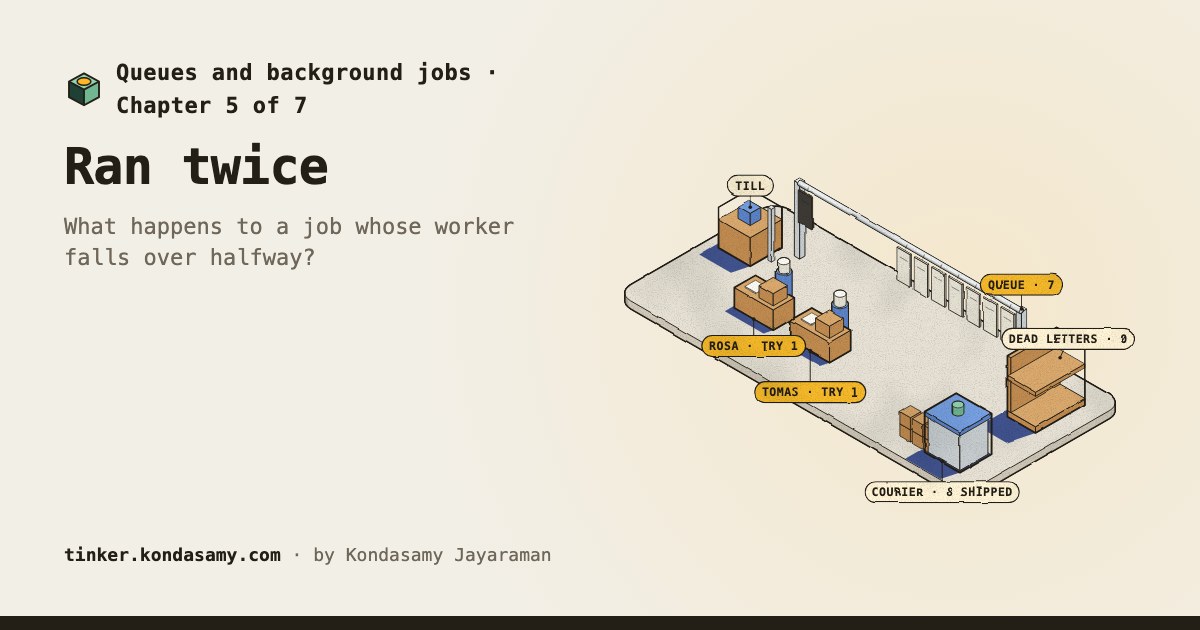
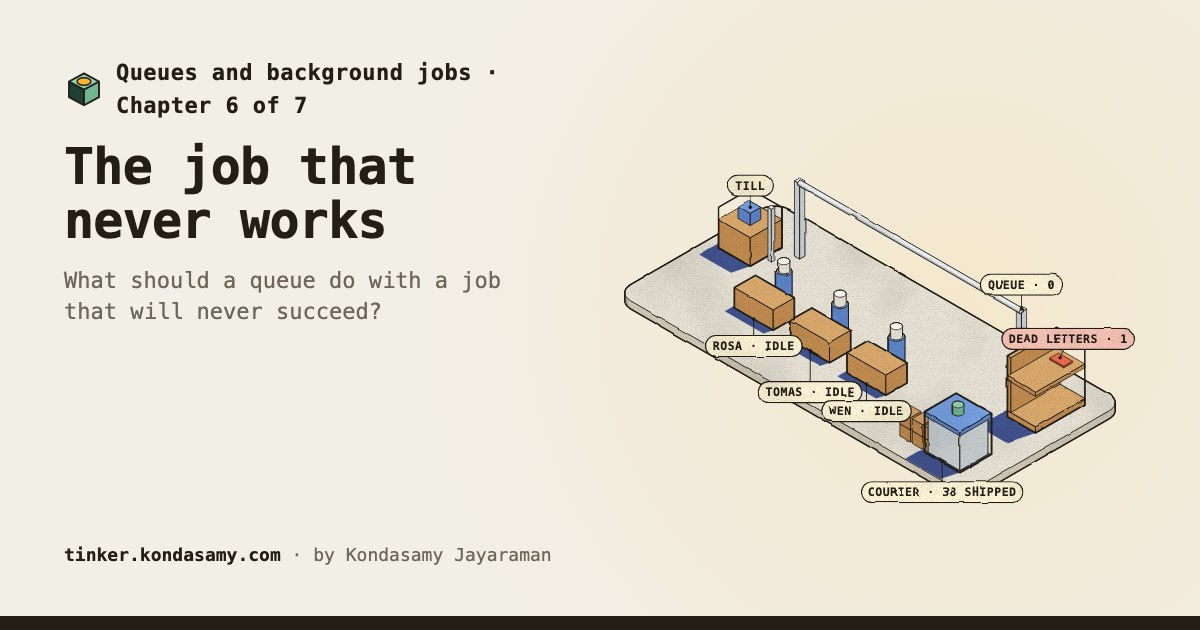
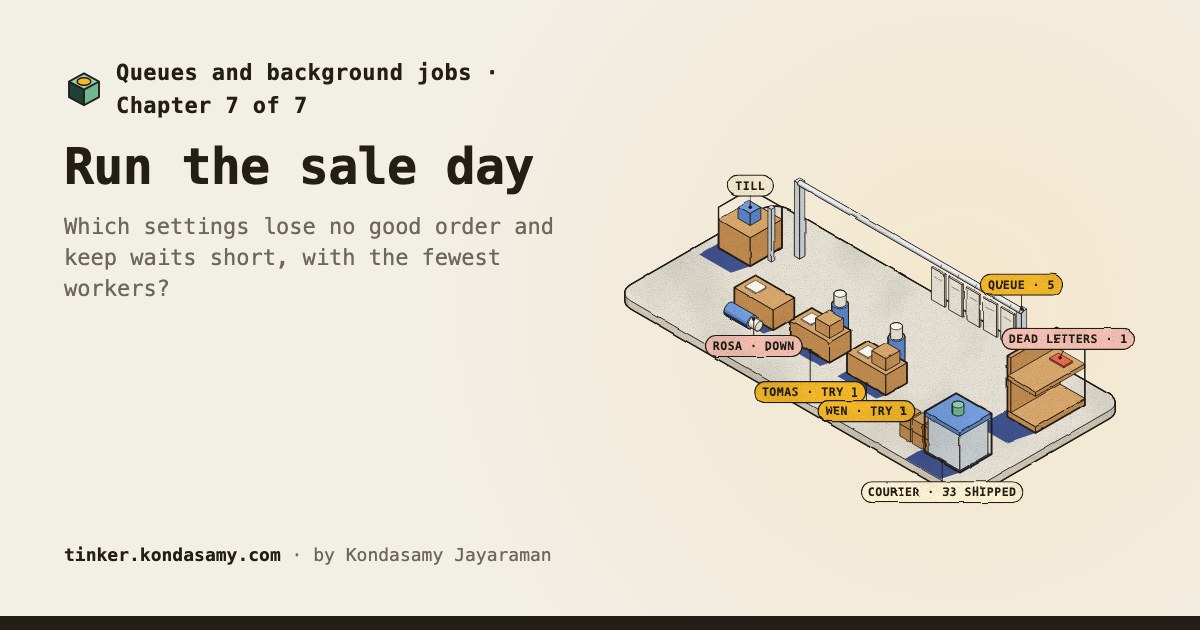
Chapter 7 · done
Which settings lose no good order and keep waits short, with the fewest workers?
Anyone whose product sends an email, charges a card or packs a parcel after the click, and who wants to know why jobs wait, retry, and sometimes run twice. No background needed.