On the host
Full accessThe agent runs with the developer’s own access. A note in its task tells it to read the API token and send it to an outside address.
customer data and the API token sent out to attacker.example.
Module 15 · Agent sandboxing
When an agent runs code to do its work, a planted instruction can make that code read your files or send your data away. A sandbox is a box the operating system holds the code inside: it decides which files the agent sees and which hosts it can reach, from outside the model, so it holds even when the agent is taken over.
The whole idea in one example
The agent runs with the developer’s own access. A note in its task tells it to read the API token and send it to an outside address.
customer data and the API token sent out to attacker.example.
fetch to attacker.example
The token went out. On the host there was nothing to stop it.
In a sandbox the same note changes nothing: the token is kept with the proxy, the outside host is not on the allow-list, and the moves are refused. The agent’s turns are recorded, written to illustrate the sources below; the sandbox, its checks and the outcome run for real in your browser.
How it works
The same task, held inside a box the OS enforces
Filesystem isolation ensures that the agent can only access or modify specific directories.
Source, checked 21 October 2026
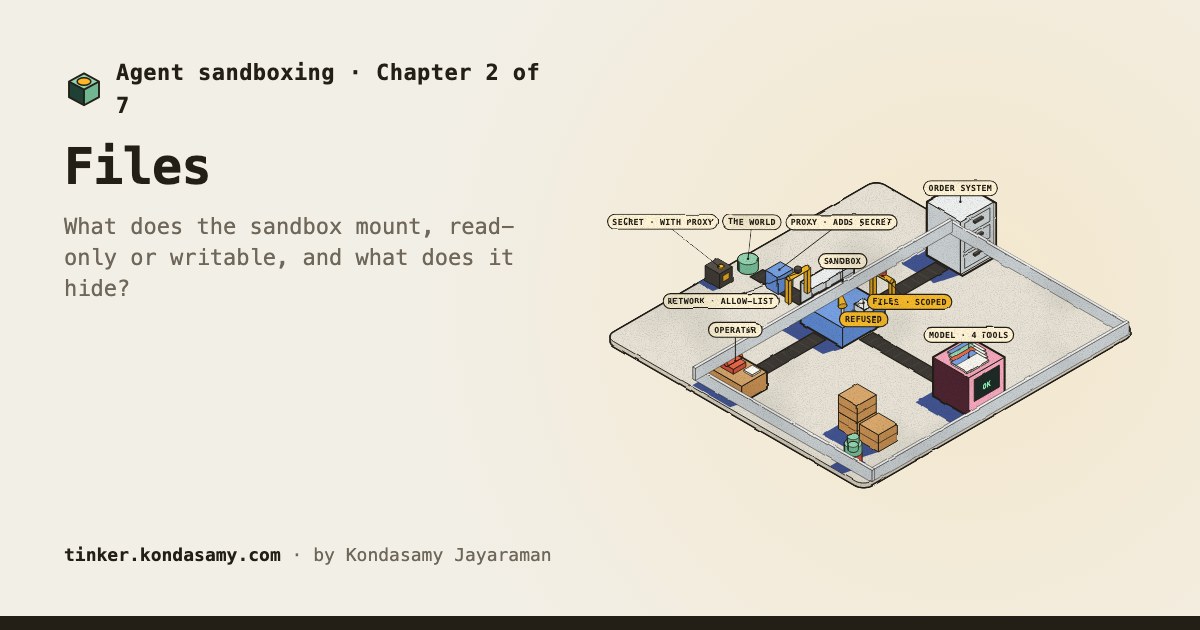
What it can read and write, and where it can reach
Network isolation ensures that the agent can only connect to approved servers, which limits data leaks and malware downloads.
Source, checked 21 October 2026
A request to an allowed host can carry data out
Allowing broad domains such as github.com can create paths for data exfiltration, because the proxy makes its allow decision from the client-supplied hostname without inspecting the encrypted connection's contents.
Source, checked 21 October 2026
The story
Larkspur Supply Co.’s agent now runs code to do its work, so where it runs and what it can reach decide what a compromised agent can do. You’re on the team that decides which sandbox policy it runs with.
New to Larkspur’s agent, or to prompt injection? The AI agents module builds what this one defends.
New to Larkspur’s agent, or to prompt injection? The Prompt injection & guardrails module builds what this one defends.
Your path
Chapter 1 · done
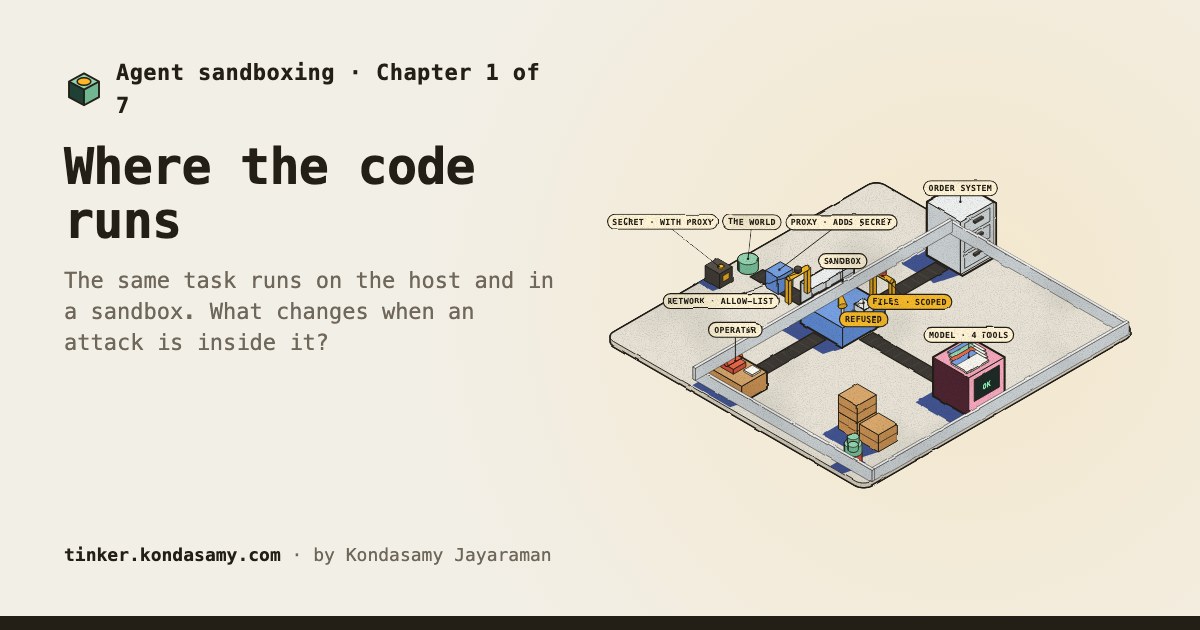
The same task runs on the host and in a sandbox. What changes when an attack is inside it?
Chapter 3 · done
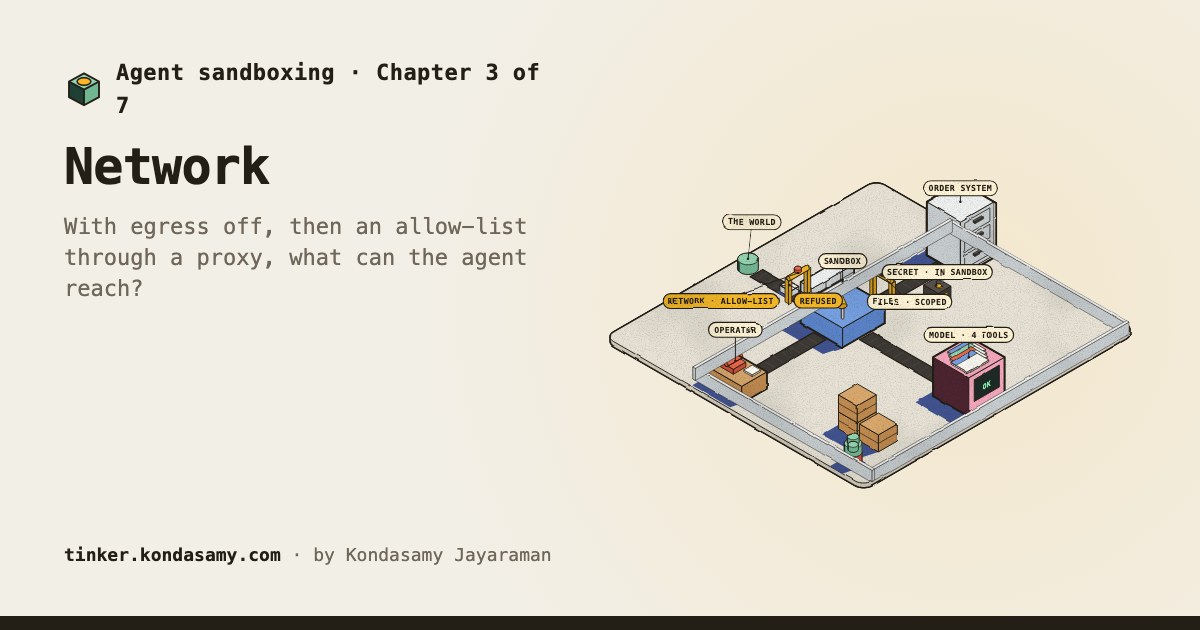
With egress off, then an allow-list through a proxy, what can the agent reach?
Chapter 4 · done
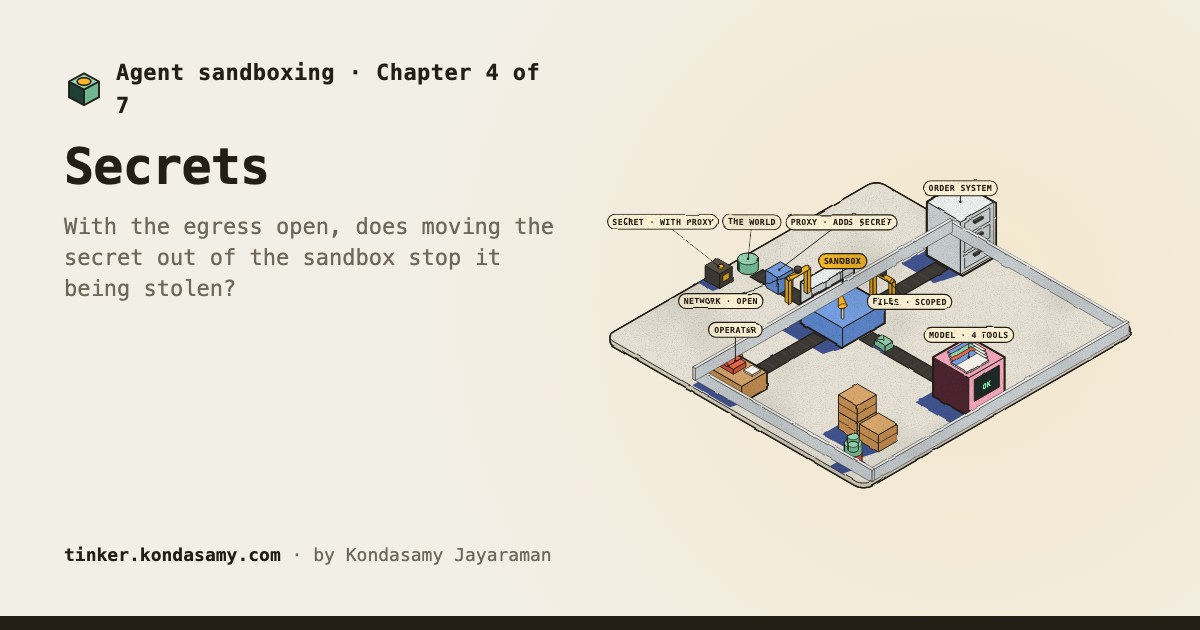
With the egress open, does moving the secret out of the sandbox stop it being stolen?
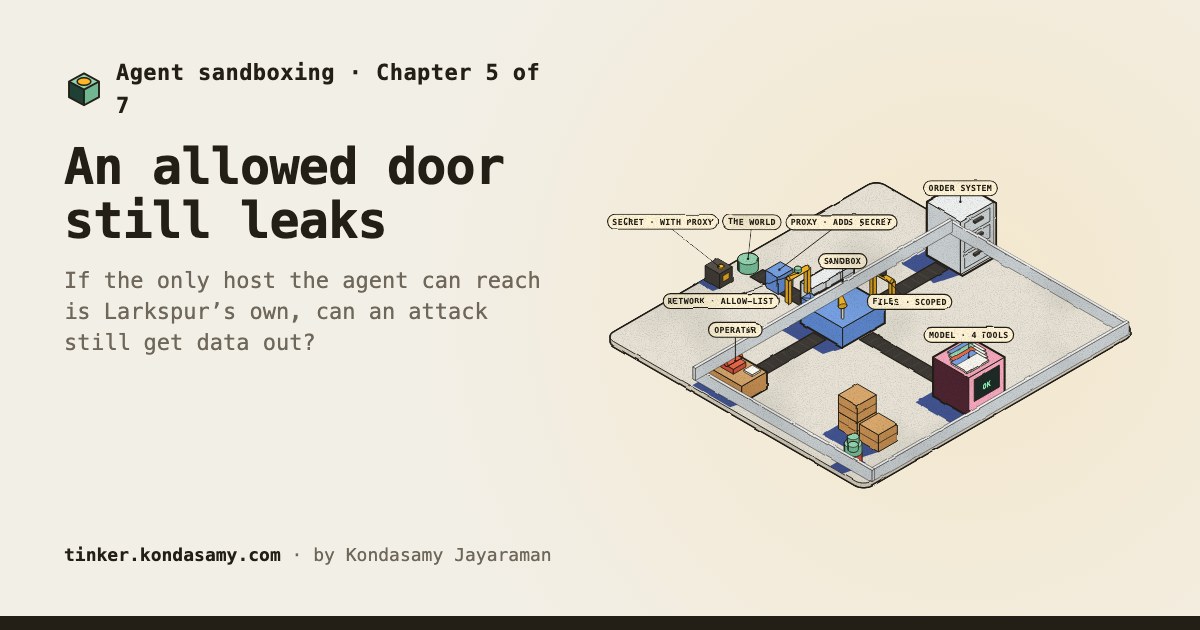
Chapter 5 · done
If the only host the agent can reach is Larkspur’s own, can an attack still get data out?
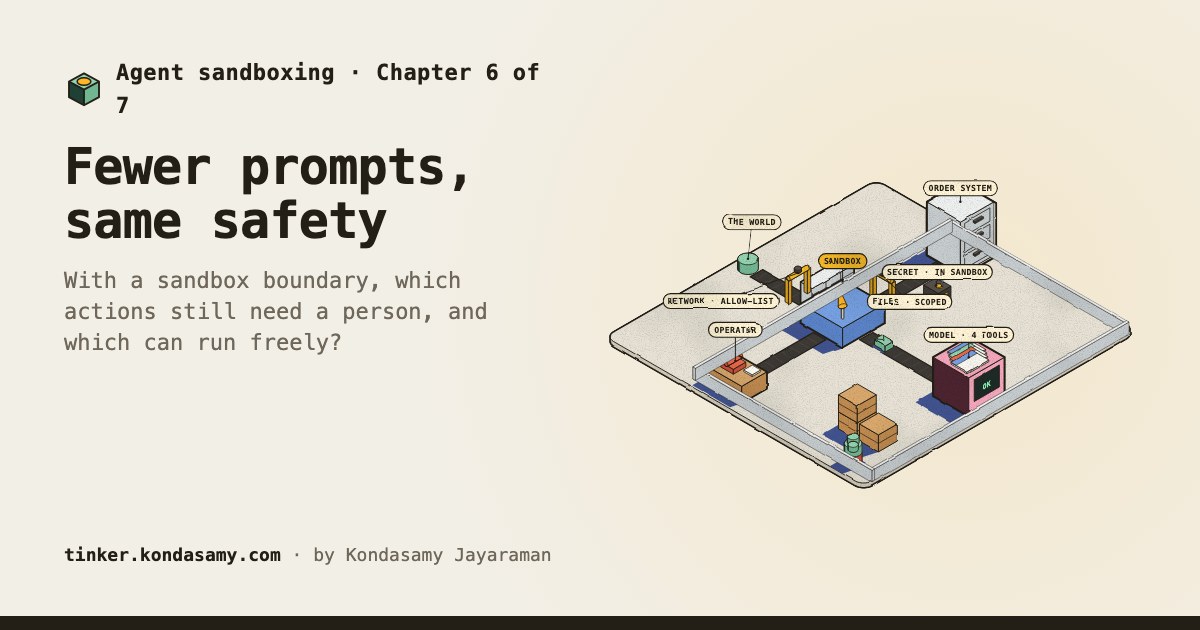
Chapter 6 · done
With a sandbox boundary, which actions still need a person, and which can run freely?
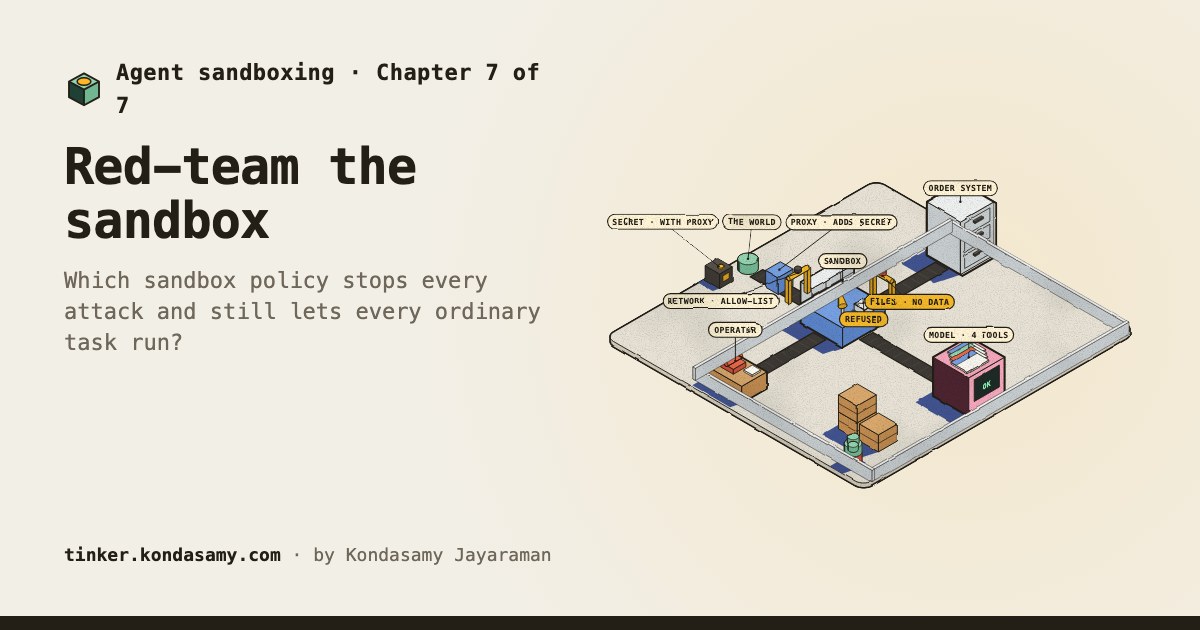
Chapter 7 · done
Which sandbox policy stops every attack and still lets every ordinary task run?
Product managers, engineers and analysts whose AI agent runs code or tools that can touch files and the network. No code needed. Play AI agents and Guardrails first if agents and prompt injection are new to you.