The saved page
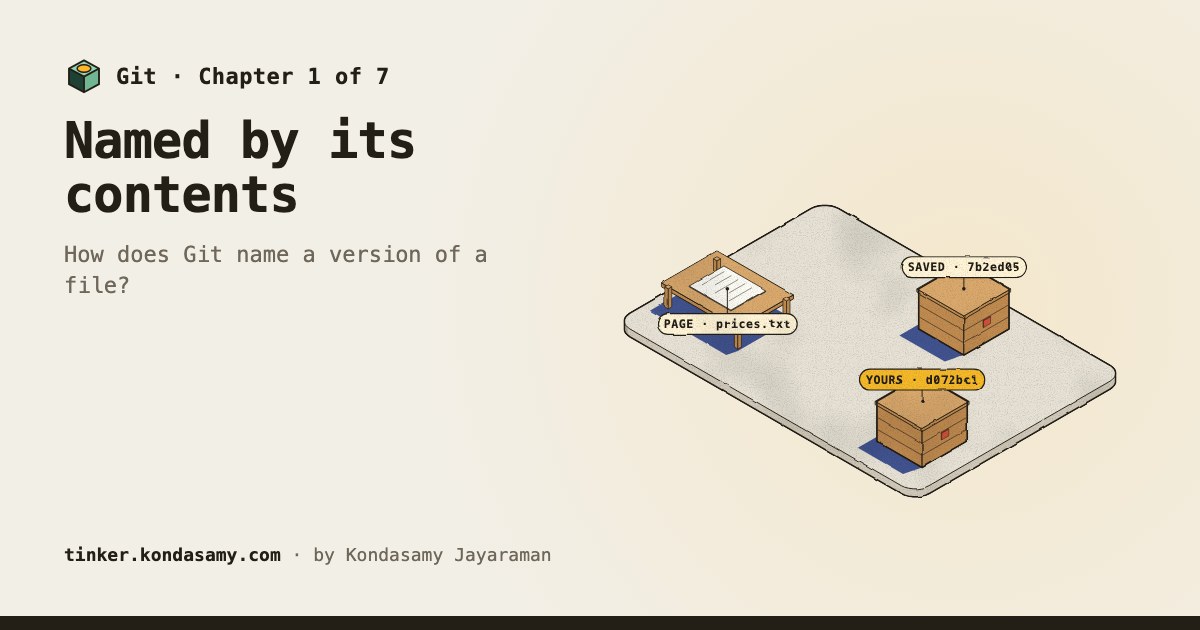
blob7b2ed05
Drill press at 189.00.
Module 29 · Git
Git keeps every version of your work as a sealed snapshot, named by its contents. A branch is just a label on one of them. Here you watch Larkspur’s price page change, split and come back together.
The whole idea in one example
7b2ed05
Drill press at 189.00.
d072bc1
Every character of the name moves.
Each name is the first seven characters of the SHA-1 hash real Git computes for those exact bytes.
How it works
One new price, a whole new name
Pro Git: Git names an object by the SHA-1 checksum of a header (its type, a space, its size in bytes and a null byte) followed by its content.
Source, checked 25 October 2026
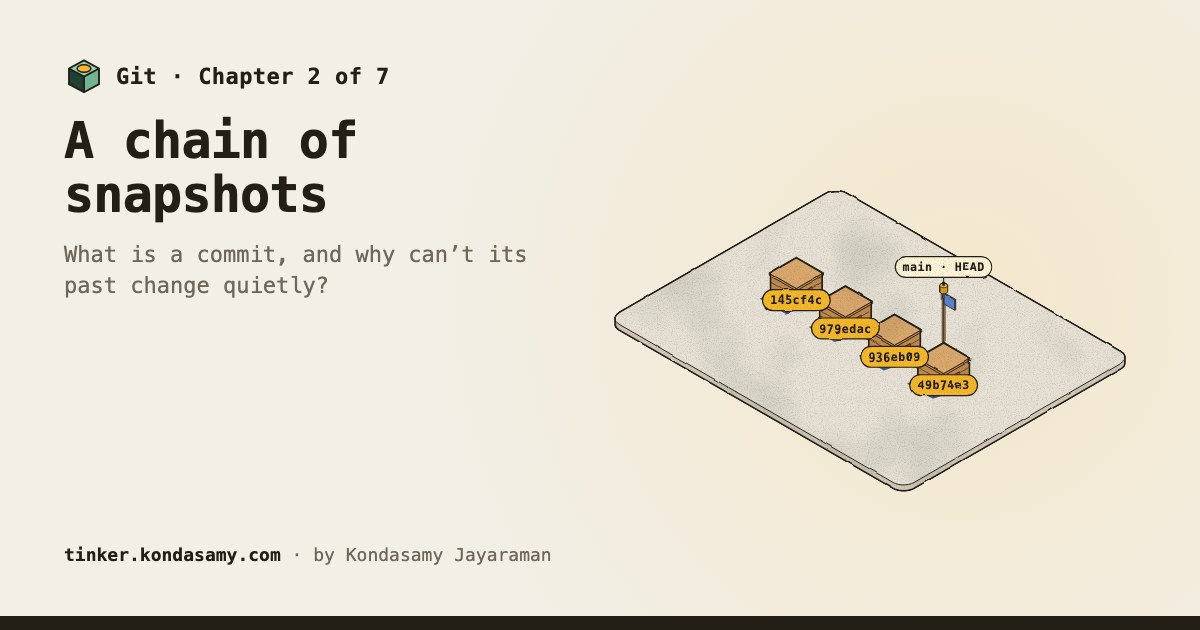
Each crate names its parent
Pro Git: a commit names the top-level tree of its snapshot, its parent commits if any, the author and committer with a timestamp, then a blank line and the message.
Source, checked 25 October 2026
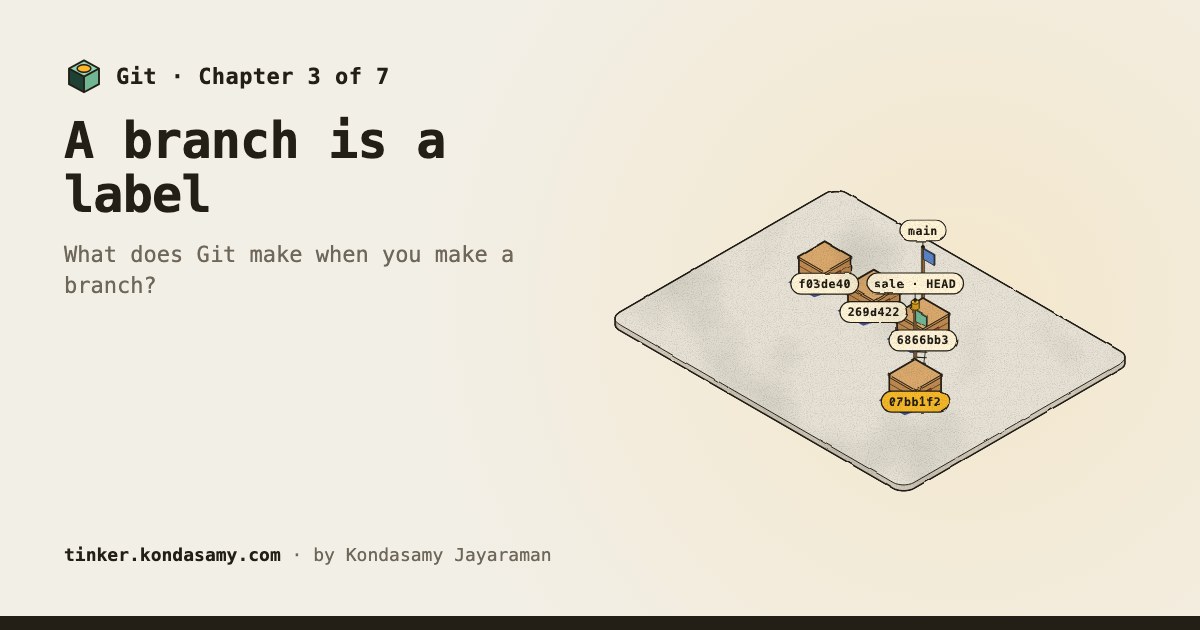
A flag on a crate, nothing copied
Pro Git: a branch in Git is simply a lightweight movable pointer to one of the commits.
Source, checked 25 October 2026
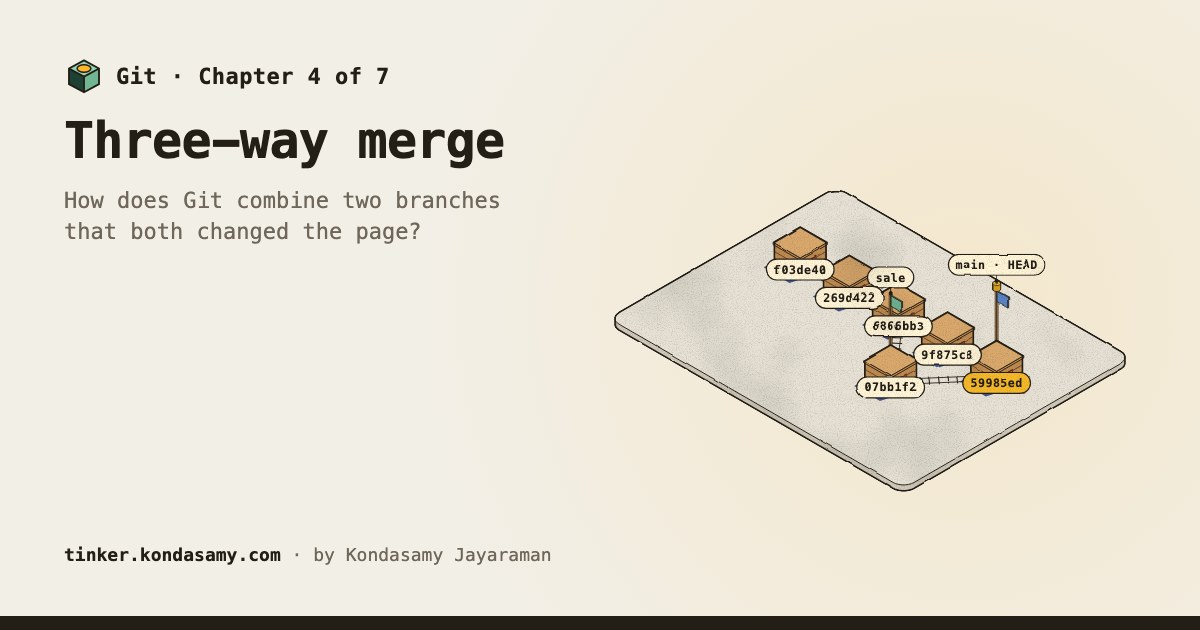
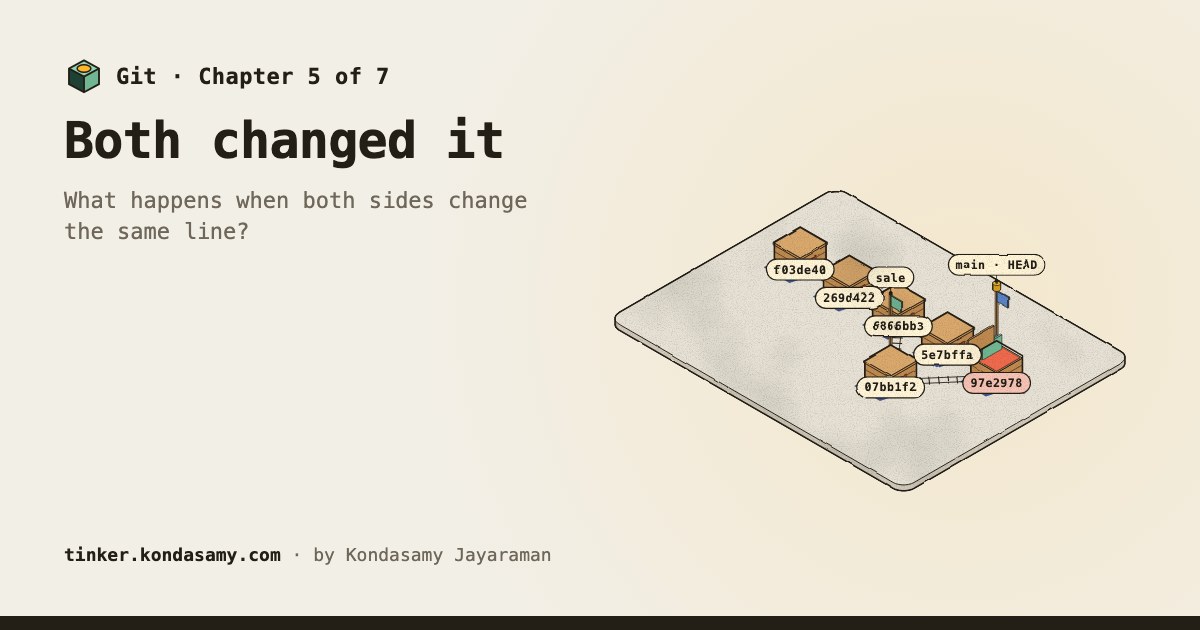
One line, two answers: a person picks
Pro Git: if you changed the same part of the same file differently in the two branches, Git can’t merge them cleanly.
Source, checked 25 October 2026
The story
Mira and Tom edit Larkspur Supply Co.’s price page in Git; the team finds that a commit is a snapshot named by its contents and a branch is just a label. You’re on the team that brings the work together.
Your path
Chapter 7 · done
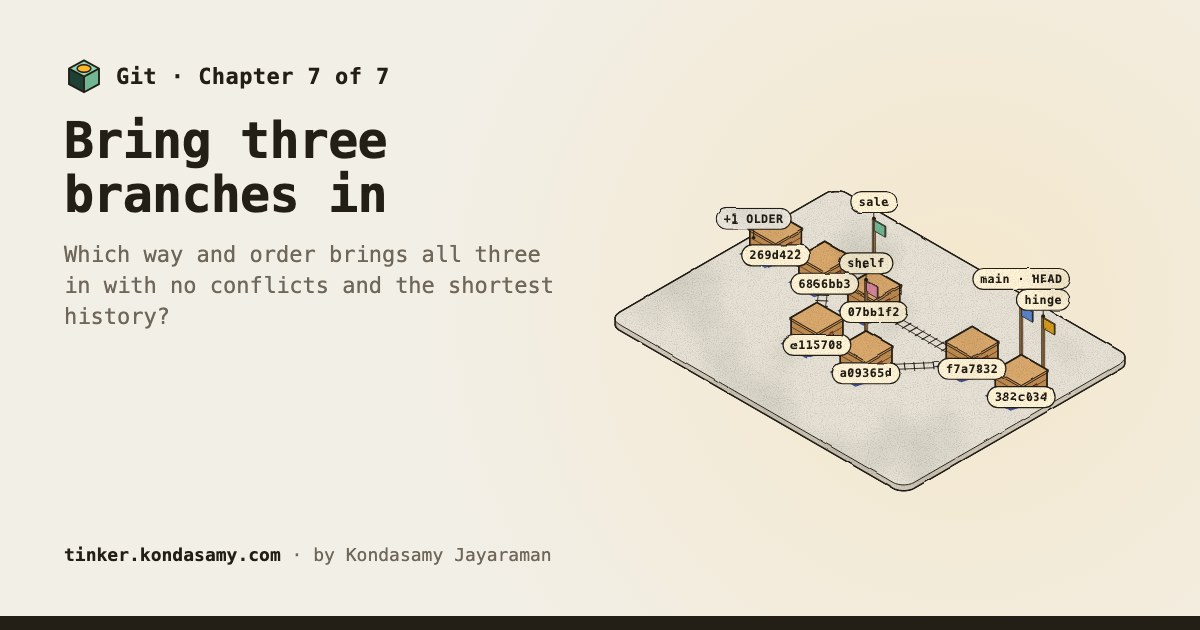
Which way and order brings all three in with no conflicts and the shortest history?
Anyone who has clicked “merge” or been told about a branch, and wants to know what Git actually keeps. No commands to learn: they sit in fold-aways.